How It Works
Your guide to mastering NFL Pick'ems on Pelluche Sports.
1. Finding Your League
Getting started is seamless. Once you've created your free account and verified your email (check spam if you don't see it), you can find a game in two ways:
-
Public Leagues
Open to everyone. Search by name, view the entry fee, and join instantly to compete against the Pelluche community.
Browse Public Leagues -
Private Leagues
Requires a League Password provided by your Commissioner. Perfect for office pools or friend groups.
Enter Private Code
The Newbie Roadmap
- 1 Create Account & Check Email: Verify your email to unlock all league features and the chatbox.
- 2 Complete Profile: Add your Venmo @handle so the Commish knows where to send your winnings.
- 3 Pick 'Em: Navigate to your league dashboard and make your first set of picks before kickoff!
2. Making Your Picks
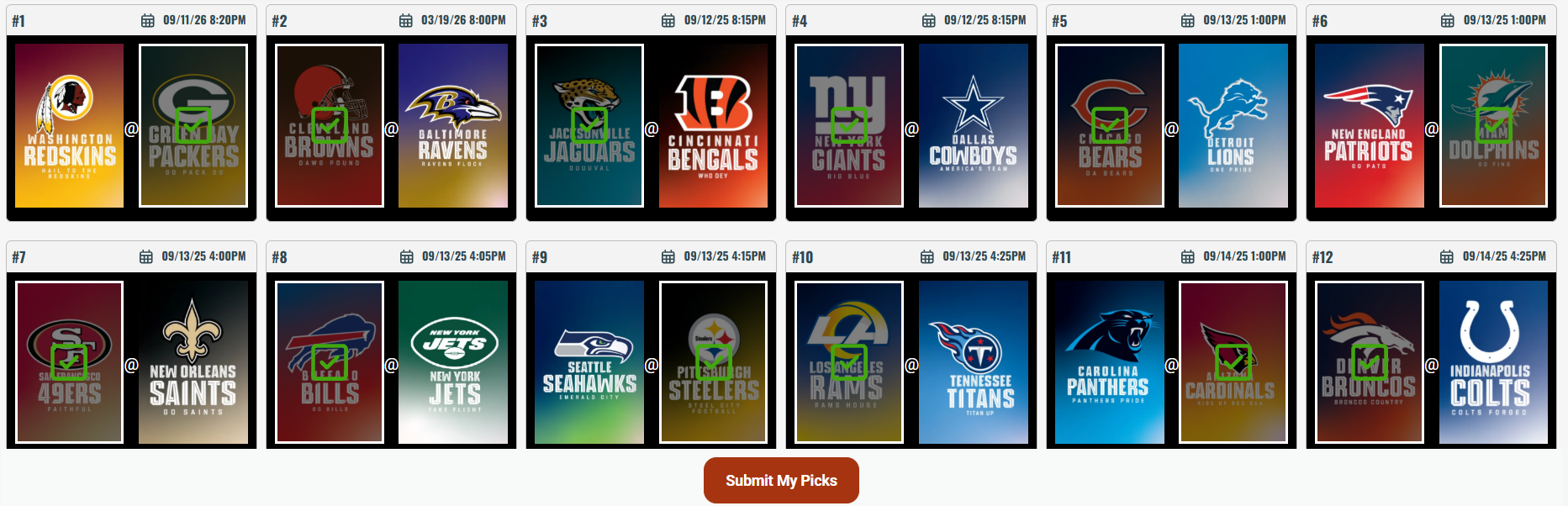
The "Make Picks" tab displays the full weekly NFL slate. Select the winners for each matchup to build your weekly card.
-
Dynamic Locking: Your picks are locked immediately after submitting them and can't be edited unless commissioner has Allow Pick Edits enabled.
-
Viewing Other Picks: All player picks are hidden from you until you make your picks, unless commissioner has "Hide Picks" disabled. You'll see a lock next to the players that have made their picks.
-
Late Pick Support: If your Commish has "Late Picks" enabled, missing the Thursday night game won't lock your whole card; you can still enter until the 2nd matchup kickoff. You'll sacrifice matchup 1 as a loss though.
Submission Deadlines
All picks are due by the first matchup kickoff, which is usually Thursday at 8:15pm ET
3. The Tie-Breaker Science
Ties are broken using the final game of the week (MNF). You are required to enter a tie-breaker score when submitting your weekly picks.
If multiple people get the same wins that week, it goes to the tie-breaker. Whoever has the closest tie-breaker difference wins the pot!
| Method | Logic |
|---|---|
| Total Points |
Predict the combined total of both teams. The player closest to the actual total (over or under) wins the tie. Example: You predicted 40 total points. MNF game score was 20-17, which equals 37 total points. You would have 3 for a tie-breaker difference. |
| Predict Actual Score |
Predict the exact Home and Away score. Whoever comes closest to the real score wins the pot. We use Absolute Difference math: (Actual Home Score - Predicted Home Score) + (Actual Away Score - Predicted Away Score) = Tie-Breaker Difference
The lowest total "Tie-Breaker Difference" wins the tie. Example: You predicted 20-30 for MNF. MNF game score was 25-20. |
4. Safety Net: Auto-Picks
Never take a zero. If enabled by your commissioner, the commissioner triggers the system to generate picks for all players who missed the deadline. The commissioner will set the auto picks method to be used.
Auto Pick Methods:
Note: Auto-pick tie-breaker scores are always randomized between 0–50.
The Payment Workflow
Navigate
Go to My League → Make Payment.
Select Amount
Choose Entry Fee, Weekly Dues, or Balance to auto-fill the total.
Confirm on Venmo
Click the Venmo button to launch the app with the Commish handle and notes ready to go.
5. Payments & Payouts
We facilitate the pot without the paperwork. Our smart integration ensures you never have to ask "who do I pay and how much?"
How the Venmo Integration Works:
-
Login Required: Ensure you are logged into the Venmo app or web browser before clicking. This allows the data to hand off securely to your account.
-
Smart-Fill Buttons: Clicking helper buttons like "Week Dues" automatically sets the price and adds a payment note so the Commissioner knows exactly what game the payment is for.
-
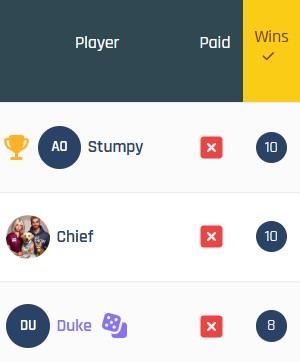
Status Verification: Once the Commissioner receives your funds, they manually update the ledger. Your status badge will flip to Green instantly.